DataForge - Offline CSV & Excel Cleaning
A downloadable tool
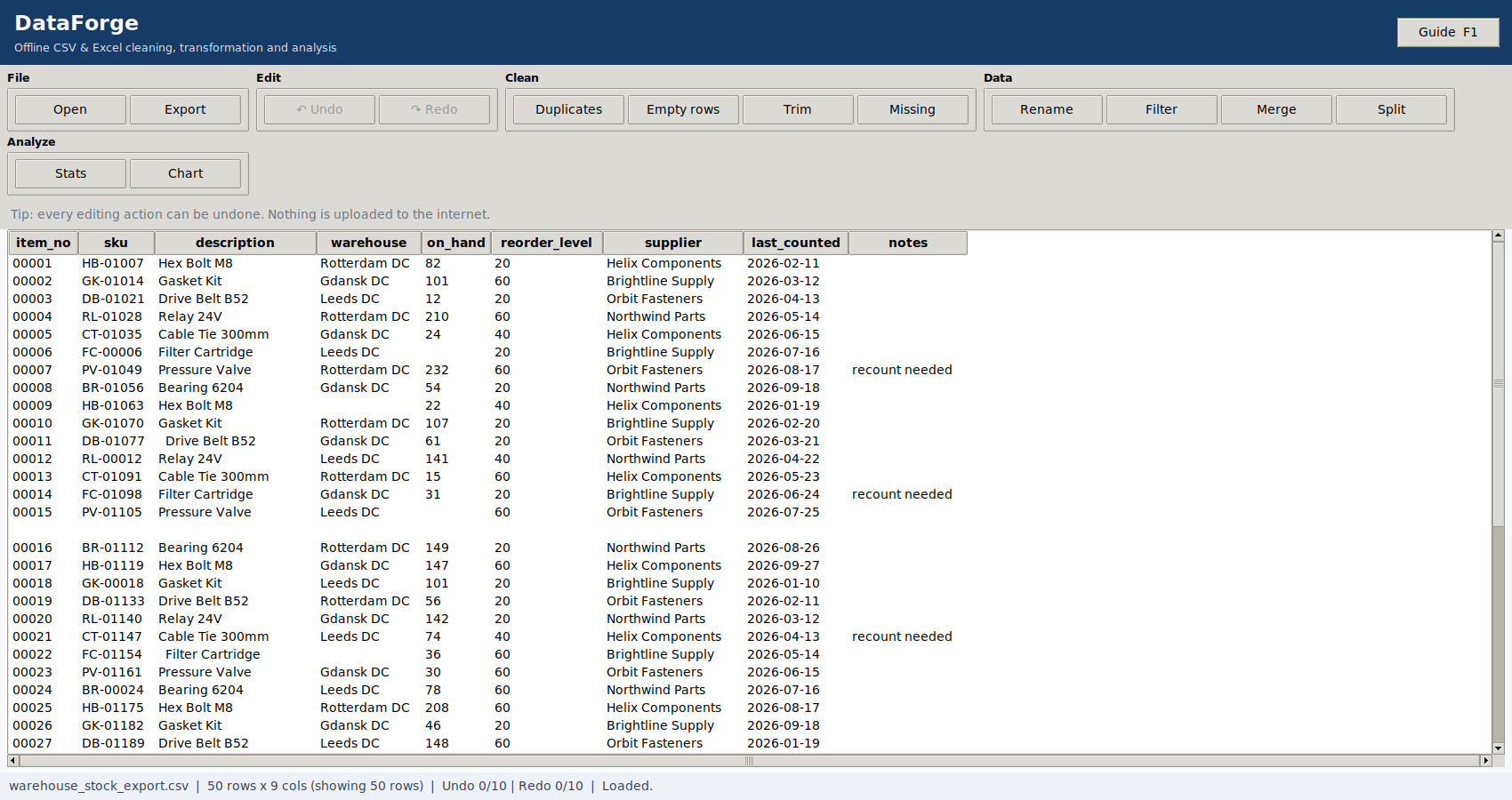
DataForge is a Windows desktop application for cleaning, reshaping, analysing and exporting CSV and Excel data.
Open CSV, XLSX or XLSM files and tidy them with practical tools for removing duplicates and empty rows, trimming whitespace, handling missing values, renaming columns and filtering rows.
What you can do
- Open CSV and Excel files — CSV with comma, semicolon, tab or pipe delimiters, plus XLSX and XLSM workbooks with sheet selection.
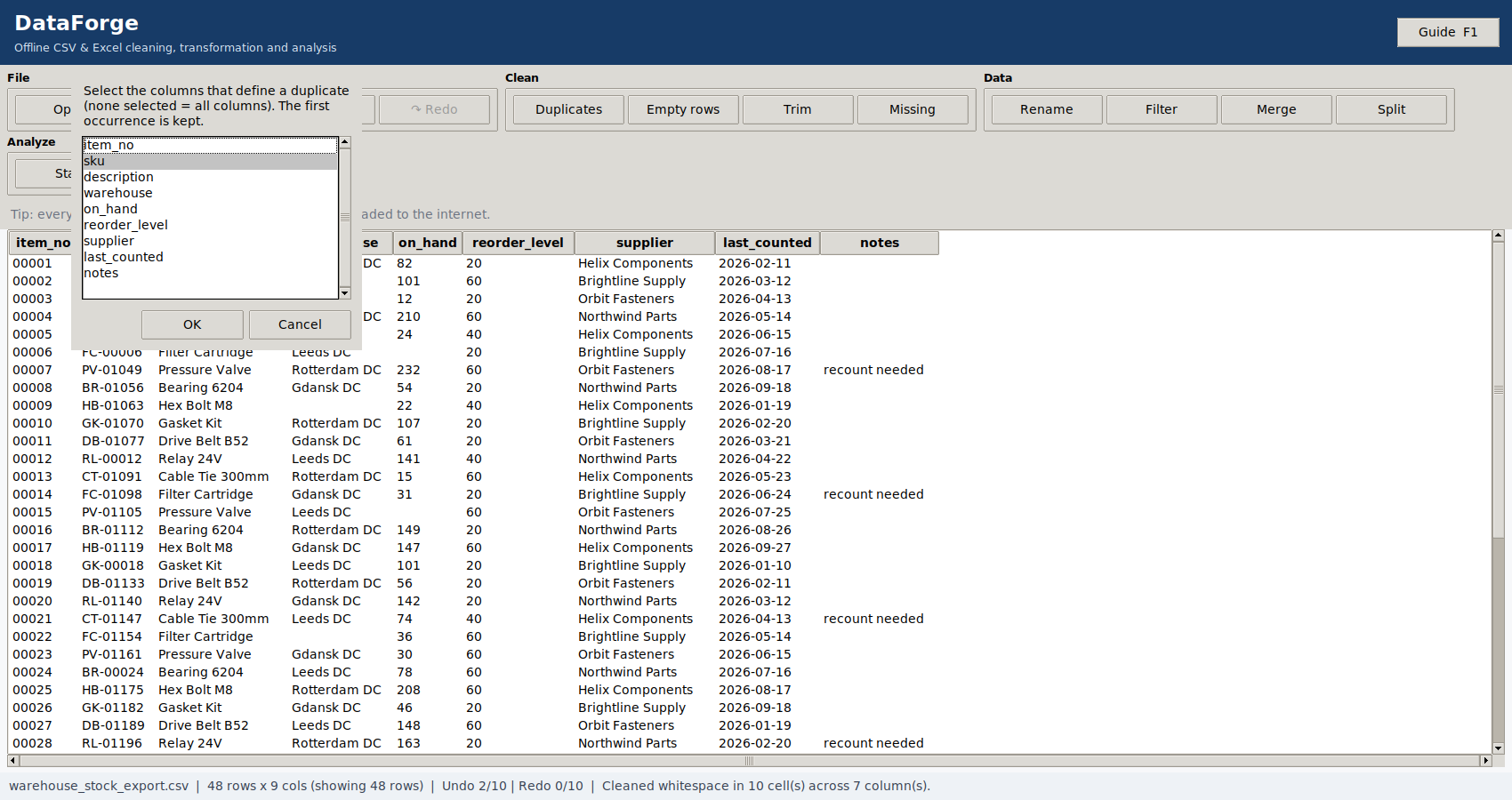
- Clean data — remove duplicate rows, remove empty rows and trim stray whitespace.
- Handle missing values — drop rows or columns, fill with a custom value, mean, median, most frequent value, forward fill or backward fill.
- Rename and filter — rename columns and filter rows using text, number, date and empty/not-empty conditions.
- Merge files — combine two CSV or Excel files using a key column with inner, left, right or outer merge options.
- Split data — split one column into several columns or create separate files for each distinct value.
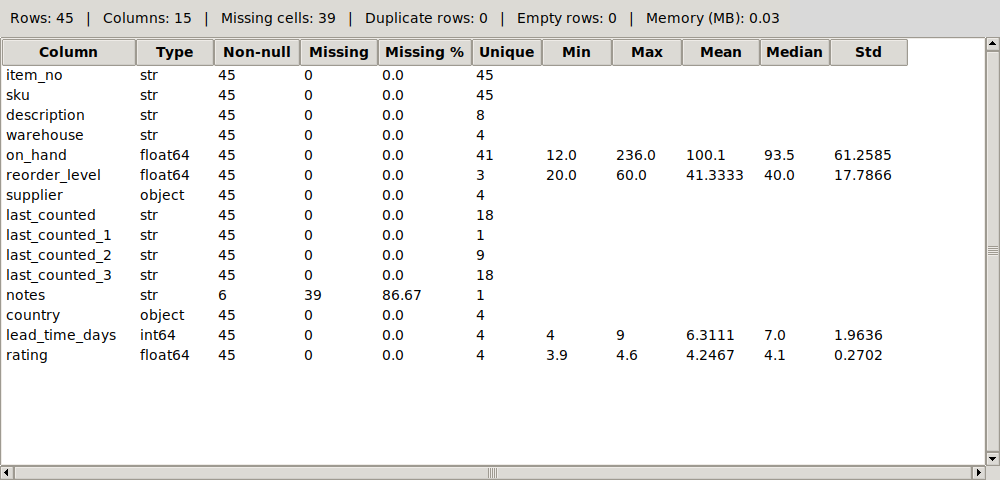
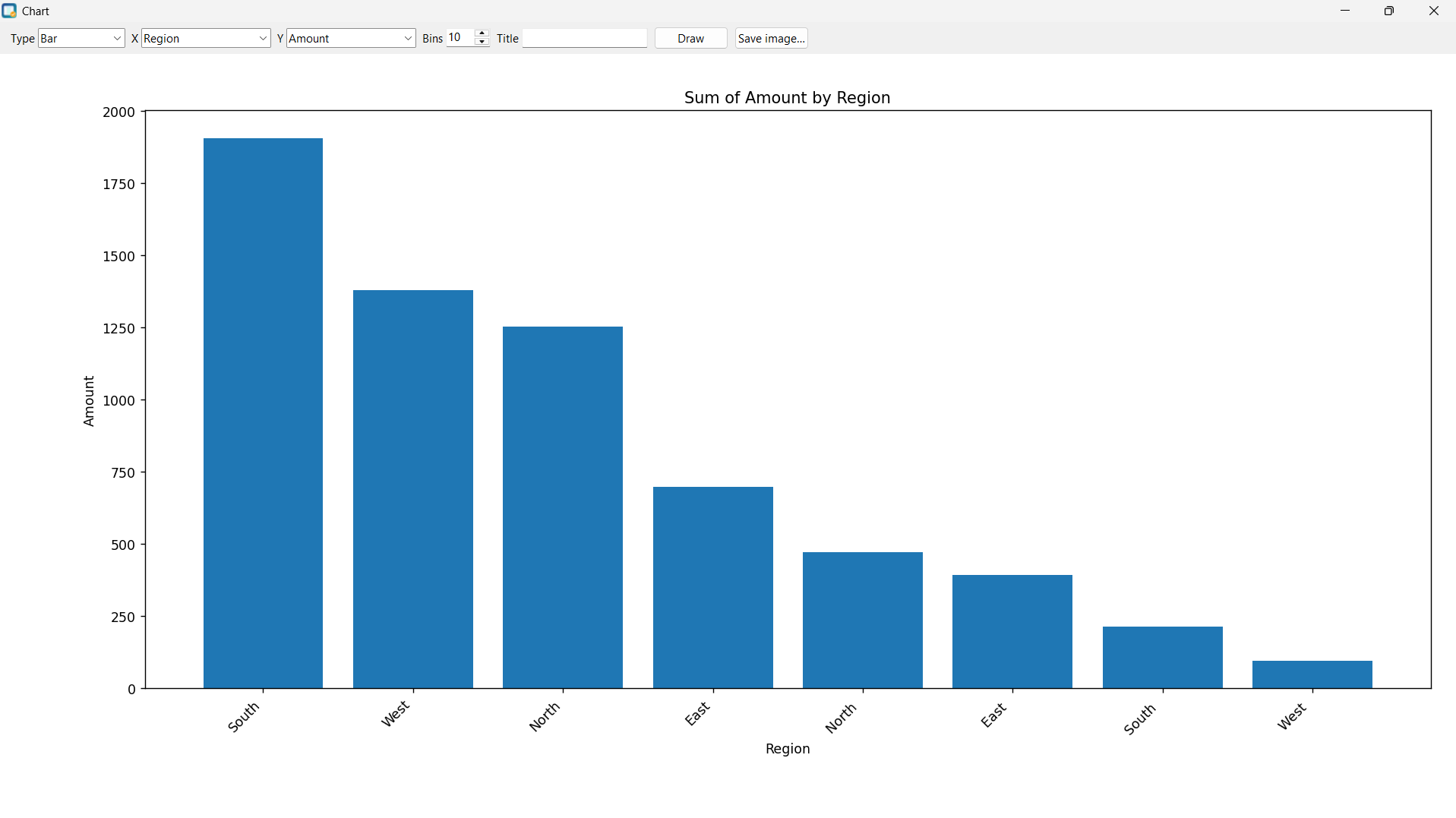
- Analyse data — view column statistics and create bar, line, scatter, histogram, pie and box charts.
- Undo and redo — step backward or forward through up to 10 changes.
- Export results — save cleaned data as CSV or XLSX.
Careful with your data
- Identifiers such as
00123keep their leading zeros. - Formula-like text beginning with
=,+,-or@is kept as text during XLSX export instead of being turned into an Excel formula. - CSV rows with the wrong number of fields are reported instead of being silently shifted into the wrong columns.
- Exports are written safely so a failed export does not damage an existing output file.
- Your original input file is never changed.
100% Offline
DataForge runs locally on your Windows PC. It does not require an account, login, cloud service or internet connection to use the application. Your opened data stays on your computer.
What you receive
- DataForge.exe — ready-to-run Windows application; no Python installation required.
- Complete Python source code with automated tests.
- PDF and Markdown user guide with a hands-on tutorial.
- Sample CSV and Excel files for practice.
- Change log and licence.
Supported formats
Input: CSV, XLSX, XLSM
Output: CSV, XLSX
System requirements
- Windows 10 or Windows 11, 64-bit
- No Microsoft Excel installation required
- The whole dataset is loaded into memory, so available RAM affects the practical file size
DataForge is designed for practical everyday spreadsheet cleaning without sending your data to a cloud service.
Purchase
In order to download this tool you must purchase it at or above the minimum price of $9 USD. You will get access to the following files: